Topic
Voice Comms
5 ZeroUtil articles cover voice comms, published between June 2026 and September 2026. Each one is written to explain the mechanism rather than list steps, and links to the free browser tools that do the job.
These articles sit alongside the gaming tools toolset.
Every Way to Hear FACEIT Demo Voice Comms, Compared
Console commands, a web calculator, CS Demo Manager, a voice extractor and extensions: what each does for FACEIT demo voice and what it leaves to you.
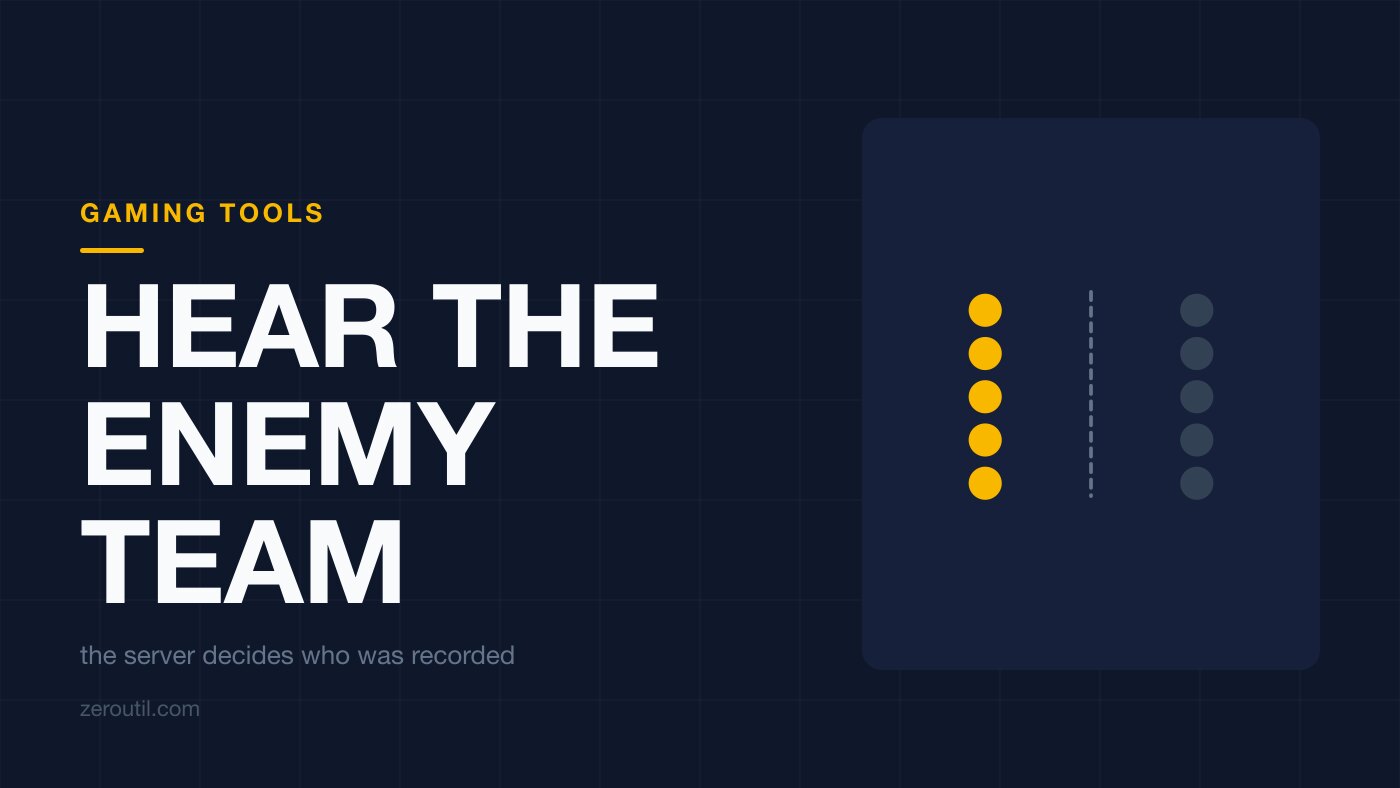
How to Hear the Enemy Team's Voice in a CS2 Demo
Whether you can hear the enemy in a CS2 demo depends on what the server recorded, not on your console. Which demos carry it, and the mask for one side.
Why You Can't Hear Voice in Your CS2 Demo (Fixes)
Can't hear voice comms in a CS2 or FACEIT demo? The real causes - no voice in MM/Premier demos, unset tv_listen_voice_indices, reset commands - and fixes.
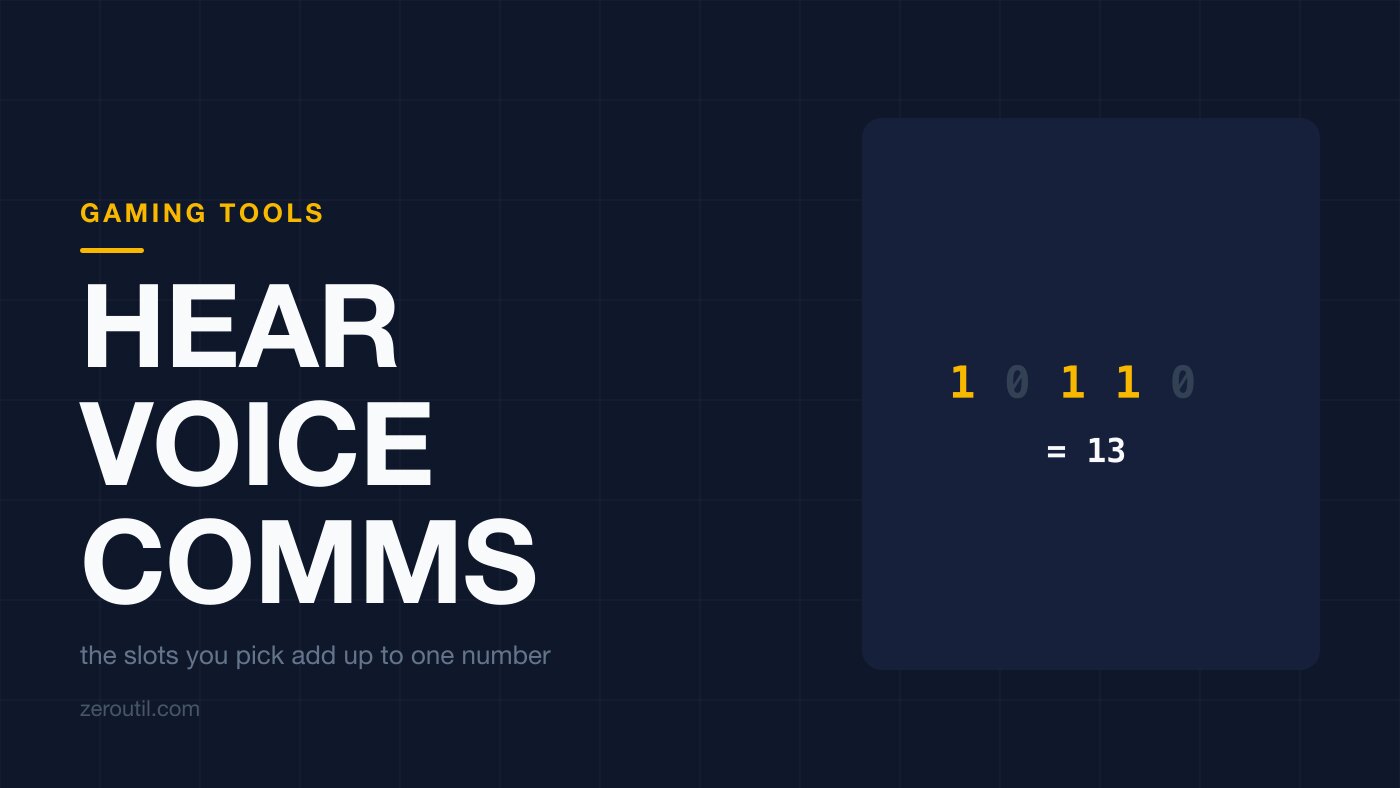
How to Hear Voice Comms in a CS2 Demo
Hear voice comms in a CS2 demo with tv_listen_voice_indices: which demos record voice, how the slot bitmask works, and how to isolate one player or a side.
How to Hear Voice Comms in a FACEIT Demo (CS2)
FACEIT records both teams' voice, but only in one of the two demos a match leaves you. Which file to open, the three FACEIT commands, and the slot bitmask.